Zid → Telegram
Zid orders in Telegram
Every new order arrives as a Telegram message with the order number, status, customer and total.
Start free trial7-day free trial · no credit card
What you get · Sample data
R
Store orders
bot
🔔 order.create
ID: 8492
Customer: خالد الشمري
Status: جديد
Total: 215.5 SAR
Email: [email protected]
RawNak · #8492
Set it up in three parts
- 1
Create your RawNak workspace
- Sign up, then copy your endpoint URL and signing secret from the dashboard.
- 2
Connect Zid
- In your Zid partner app, create a webhook with the Create Webhook API and set target_url to your RawNak endpoint.
- Pick the event you need, for example order.create.
- Set username to any name and password to your RawNak signing secret, so RawNak can verify each request.
- 3
Add Telegram as a destination
- In Telegram, open @BotFather, send /newbot and copy the token.
- Add the bot to your group or channel, or start a private chat with it.
- In RawNak, open Destinations → Add destination → Telegram, paste the token, press “Find my chats” and pick the chat.
Zid does not sign webhooks, so RawNak checks the username and password on every request and rejects anything else.
Full step-by-step guide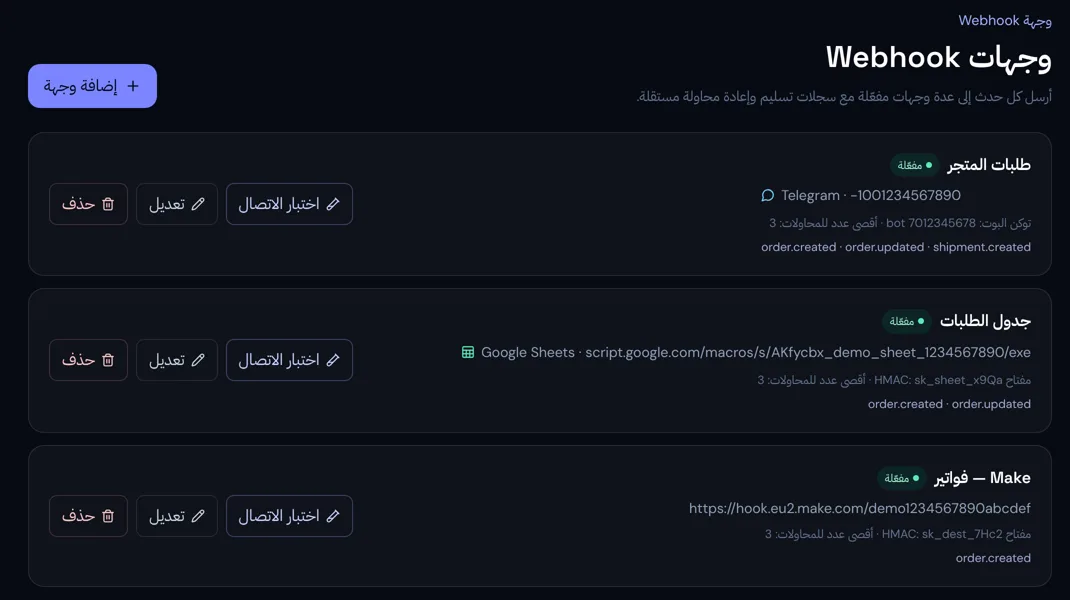
Why route it through RawNak
Your whole team sees new orders on their phones, without opening the store dashboard.
- Every order is stored the moment it arrives, even if the destination is down.
- Failed deliveries are retried automatically, and any order can be resent from the delivery log.
- Choose which events go to each destination, so you only see what matters.